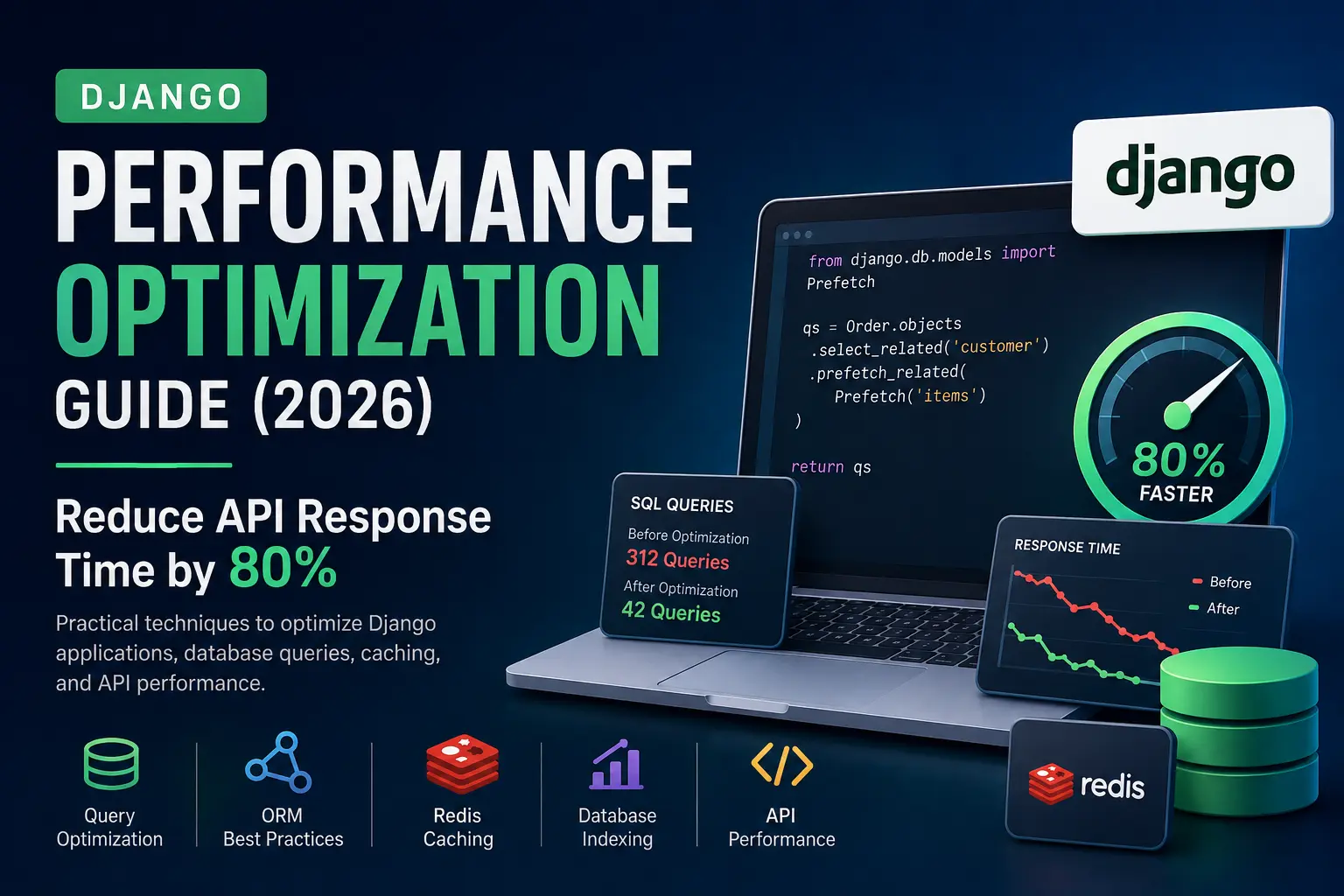
Django Performance Optimization is essential for building fast, scalable, and reliable web applications. As your Django project grows, inefficient database queries, missing indexes, and poor caching strategies can quickly impact API response times and user experience. In this guide, we’ll explore practical techniques that help optimize Django applications, improve database performance, and build production-ready systems without adding unnecessary complexity.
Why Django Performance Matters
Django Performance Optimization is essential for building scalable and responsive web applications.
Django is one of the most productive Python web frameworks, powering applications from startups to enterprise platforms. However, as traffic grows, inefficient database queries, poor ORM usage, and missing caching strategies can dramatically increase response times.
Common symptoms include:
- Slow API responses
- High database CPU usage
- Excessive SQL queries
- Large memory consumption
- Poor user experience
- Higher cloud infrastructure costs
The good news? Most Django applications can achieve 50-80% faster response times by optimizing database access and eliminating unnecessary work.
Common Django Performance Bottlenecks
Before optimizing, understand where performance issues usually come from:
| Bottleneck | Impact |
|---|---|
| N+1 Queries | Hundreds of unnecessary SQL queries. |
| Missing Indexes | Slow filtering and sorting. |
| Large Querysets | High memory usage. |
| No Caching | Repeated database hits. |
| Saving Objects in Loops | Thousands of SQL statements. |
| Poor Pagination | Slow APIs and high RAM usage. |
| Inefficient Serializers | Slow Django REST Framework responses. |
Rule: Measure first, optimize second.
1. Eliminate the N+1 Query Problem
The N+1 query problem occurs when Django executes one query to fetch records and an additional query for every related object.
Without Optimization
					posts = Post.objects.all()

for post in posts:
   print(post.author.name)


If there are 100 posts:

1 query for posts

100 queries for authors

Total = 101 SQL queries
posts = Post.objects.select_related("author")
Now Django performs a single SQL JOIN.
Performance Gain: Often 10-100× fewer queries.
2. select_related() vs prefetch_related()
This is one of the most frequently asked Django interview and production questions.
| Feature | select_related() | prefetch_related() |
|---|---|---|
| SQL JOIN | Yes | No |
| Extra Queries | No | Yes (then merged in Python) |
| ForeignKey | Best | Works |
| OneToOne | Best | Works |
| ManyToMany | No | Best |
| Reverse FK | No | Best |
Use select_related()
orders = Order.objects.select_related("customer")
Use prefetch_related()
authors = Author.objects.prefetch_related("books")
Quick Tip
- ForeignKey –
select_related() - ManyToMany –
prefetch_related()
Further Reading: If you’d like to understand how Django’s ORM handles related object loading in more detail, the Django QuerySet API documentation covers select_related(), prefetch_related(), and other query optimization methods.
3. Fetch Only the Fields You Need
Avoid retrieving entire rows when only a few columns are required.
User.objects.only("id", "username")
or
User.objects.values("id", "username")
Smaller queries mean less memory usage and faster serialization.
4. Avoid Queries Inside Loops
Bad
for user in users:
   print(user.orders.count())
Better
users = User.objects.prefetch_related("orders")
Repeated queries inside loops are one of the biggest hidden performance killers.
5. Use exists() Instead of count()
Bad
User.objects.filter(email=email).count()
Better
User.objects.filter(email=email).exists()
exists() stops searching after the first matching row, making it more efficient than count() when you only need to check whether a record exists.
6. Bulk Insert Records
Bad
for product in products:
    Product.objects.create(**product)
Better
Product.objects.bulk_create(products)
A thousand inserts become a single database operation, significantly reducing query overhead and improving performance.
7. Bulk Update Records
					Product.objects.bulk_update(
   products,
   ["price", "stock"]
)
Ideal for scheduled jobs, imports, and inventory updates.
8. Update Without Loading Objects
Product.objects.filter(id=10).update(stock=50)
Avoid fetching the object before updating unless you need it.
9. Use Database Indexes
Indexes dramatically improve query speed.
					class Product(models.Model):
   sku = models.CharField(max_length=50, db_index=True)
Add indexes to fields frequently used in:
filter()order_by()JOINlookup
Avoid indexing every column because indexes also slow down writes.
Further Reading: If you’re using PostgreSQL, the official documentation explains how indexes work, when to create them, and the trade-offs involved.
10. Cache Frequently Used Data with Redis
Redis plays a significant role in Django Performance Optimization by reducing repeated database requests.
Repeated database queries waste resources.
					from django.core.cache import cache

products = cache.get("featured_products")

if not products:
   products = Product.objects.filter(featured=True)
   cache.set("featured_products", products, 300)
Redis is ideal for:
- Home pages
- API responses
- Dashboards
- Configuration data
- Session storage
Further Reading: The Django Cache Framework documentation explains different caching backends and configuration options. If you’re planning to use Redis in production, the official Redis documentation is also worth reading.
11. Paginate Large Querysets
Never return thousands of rows in a single response.
					from django.core.paginator import Paginator

paginator = Paginator(queryset, 20)
Pagination improves response time, memory usage, and user experience.
12. Stream Large Querysets with iterator()
					for user in User.objects.iterator():
   process(user)
iterator() prevents loading the entire queryset into memory.
13. Skip Large Fields Using defer()
Article.objects.defer("content")
Useful for large TextField or JSONField values that are not immediately needed.
14. Use Database Aggregation
Instead of calculating values in Python:
					from django.db.models import Count

User.objects.annotate(
   total_orders=Count("orders")
)
15. Use F() Expressions
					from django.db.models import F

Product.objects.update(stock=F("stock") - 1)
16. Optimize Django REST Framework Serializers
Complex nested serializers often trigger additional database queries.
Always optimize your queryset first:
					queryset = (
   Order.objects
   .select_related("customer")
   .prefetch_related("items")
)
17. Compress Responses
					MIDDLEWARE = [
   "django.middleware.gzip.GZipMiddleware",
]
18. Profile Your SQL Queries
Install Django Debug Toolbar.
It shows:
- Duplicate SQL queries
- Execution time
- Request profiling
- Cache usage
Never optimize blindly.
Further Reading: The official Django Debug Toolbar documentation includes installation steps, configuration options, and examples for identifying slow queries.
19. Profile Your Application
Useful tools include:
- django-silk
- py-spy
- cProfile
- Scalene
Measure before and after every optimization.
20. Use Connection Pooling
Opening a database connection for every request is expensive.
Recommended:
- PgBouncer (PostgreSQL)
- ProxySQL (MySQL)
Connection pooling significantly improves throughput under heavy load.
21. Remove Unnecessary Middleware
Every middleware executes on every request.
Audit your MIDDLEWARE list and remove anything you don’t need.
22. Optimize Static File Delivery
In production:
- Use Nginx.
- Use a CDN.
- Use WhiteNoise for simple deployments.
Never serve static files directly through Django in production.
23. Optimize ORM Queries
Useful ORM methods include:
only()defer()select_related()prefetch_related()values()values_list()exists()update()bulk_create()bulk_update()
Knowing when to use each method can drastically reduce database load.
24. Monitor Production Performance
Track:
- API response times
- Database query duration
- Cache hit ratio
- CPU usage
- Memory usage
- Slow queries
- Error rates
Recommended Monitoring Stack:
- Prometheus
- Grafana
- Sentry
- New Relic
25. Benchmark Before and After
Optimization without benchmarking is guesswork.
Measure:
- SQL query count
- Request duration
- Memory usage
- API latency
- Database load
Even small improvements compound over time.
Django Performance Checklist
- Eliminate N+1 queries.
- Use
select_related()correctly. - Use
prefetch_related()correctly. - Fetch only the required fields.
- Avoid queries inside loops.
- Use
exists()instead ofcount(). - Use bulk operations.
- Add proper database indexes.
- Cache with Redis.
- Paginate APIs.
- Stream large datasets.
- Optimize DRF serializers.
- Enable GZip compression.
- Profile SQL queries.
- Use connection pooling.
- Monitor production continuously.
Conclusion
Effective Django Performance Optimization requires continuous monitoring, testing, and incremental improvements.
FAQs
Is Django slow?
No. Most performance issues come from inefficient database queries, not the framework itself.
Which is faster: select_related() or prefetch_related()?
select_related() is faster for ForeignKey and OneToOneField because it uses SQL JOINs. prefetch_related() is designed for ManyToManyField and reverse relationships.
Should every field be indexed?
No. Index only fields that are frequently used in filters, joins, ordering, or lookups. Too many indexes increase storage usage and slow down insert/update operations.
Is Redis necessary?
Not for every project. For applications with repeated reads, sessions, dashboards, or high traffic, Redis can significantly reduce database load and improve response times.
What is the best tool to find slow queries?
Start with Django Debug Toolbar during development. For production, use application profiling tools and database slow query logs.